Your photo just became a video.
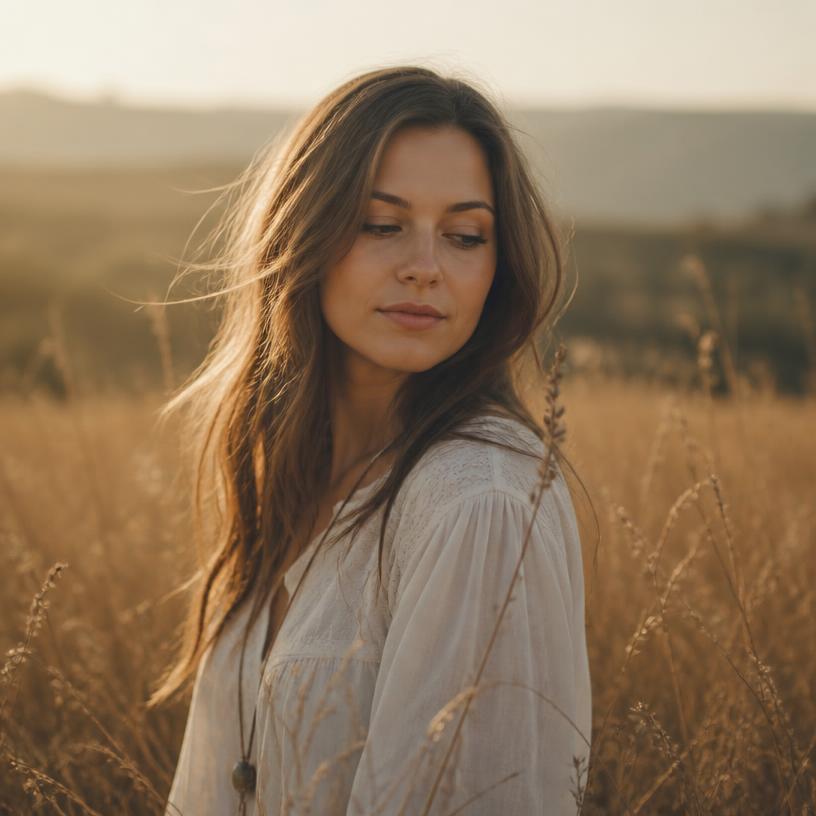
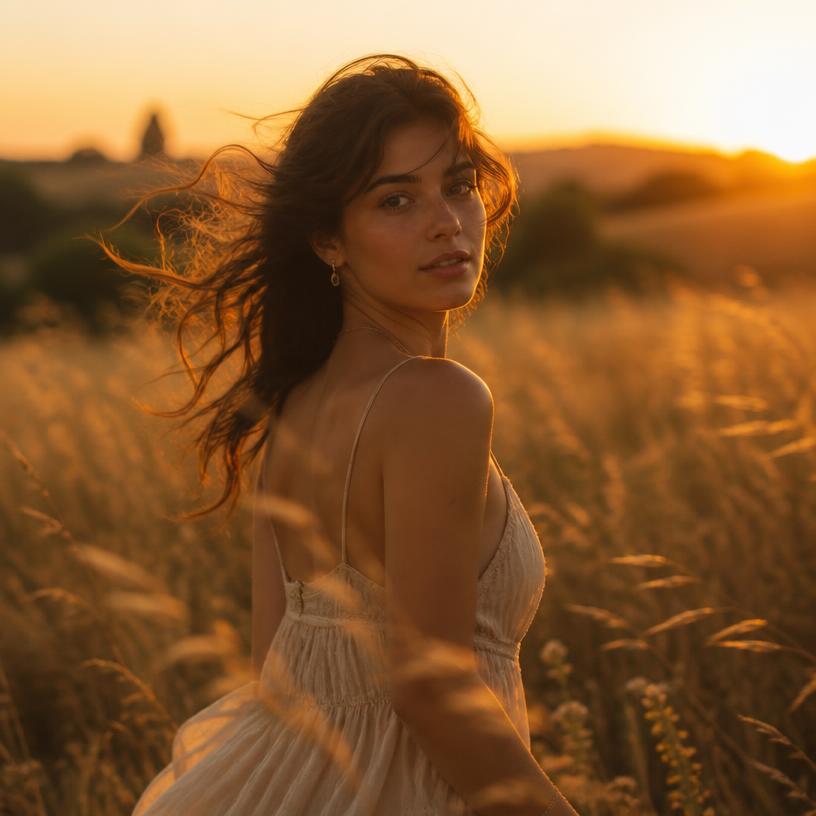
Drop in a single still and our photo to video AI turns it into lifelike motion — real movement, light, and mood. It's the easiest AI video generator you'll ever touch, and it takes about a minute.
2.4M clips
made this month
Why creators keep coming back
(a)
One photo in
No footage, no editing suite. Upload any still — a selfie, a product shot, a painting — and watch it breathe.
(b)
Motion that feels real
Natural camera moves, drifting light, and physical detail. The image to video result looks alive, not glitchy.
(c)
Ready to post
Export in crisp 1080p for TikTok, Reels, or YouTube in seconds. No watermark to ruin the moment.
How it works
Three steps. Zero learning curve.
Upload your photo
Any image works. Drag it in and pick the vibe you're after.
Pick a motion
Choose a style or let our AI decide. Camera pans, fades, and drifts.
Export in seconds
Watch it render, then download or share straight to your feed.
Start your first photo to video ai clip →
Motion styles
Pick the look, we handle the motion
Cinematic drift
Slow dolly-in with soft depth — great for portraits.
Product spin
Clean orbit and highlight roll for ecommerce shots.
Living memory
Gentle parallax that makes old photos feel present.
Hype cut
Punchy zooms and light streaks built for short-form.
Where people use it
One still, a dozen jobs
Marketers, small shops, and everyday folks use our photo to video ai to ship content without a camera crew.
TikTok & Reels
Turn a flat photo into a scroll-stopping 9:16 clip.
Ecommerce listings
Show products in motion and lift click-through.
Real estate
Give listing photos a smooth walkthrough feel.
Family archives
Bring old prints and scans back to life.
Music & art promos
Animate cover art for release-day posts.
Ads & landing pages
Test motion creative without a shoot budget.
2.4M+
clips rendered this month
~60s
average render time
1080p
exports, no watermark
“I dropped in one product photo and had an ad-ready clip before my coffee got cold.”
“My Reels views basically doubled once I started posting motion instead of stills.”
“I animated my grandma's old photo and my whole family cried. Worth it.”
Pricing
Start free, upgrade only if you need more
Free
$0
For trying it out
- 3 clips per day
- 720p export
- Standard queue
No credit card required
Creator
$12/mo
For people posting weekly
- Unlimited clips
- 1080p, no watermark
- Priority queue
- All motion styles
No credit card required
Studio
$39/mo
For teams and shops
- Everything in Creator
- Batch uploads
- Commercial license
- Team seats
No credit card required
What makes a good photo to video ai?
Honestly, most tools just slap a zoom on your picture and call it a day. A real AI video generator figures out what's in the frame first — where the person is, where the light comes from, what should stay still — and then moves the scene the way a camera actually would. That's the difference between a slideshow and something people stop scrolling for.
Image to video, minus the learning curve
You don't need After Effects, keyframes, or a weekend. Upload, pick a vibe, hit go. If you want to see it work on your own shots, head over to the Picmovi video studio or browse more Photo to Video examples on the homepage.
Questions people actually ask
Is Picmovi's photo to video ai actually free?+
Yep. You can make a few clips a day for free with no credit card. Paid plans just remove the daily cap and bump you to 1080p with no watermark.
What kind of photos work best?+
Sharp, well-lit shots with a clear subject give the cleanest motion. That said, old scans, screenshots, and even illustrations usually turn out great too.
How long does an image to video render take?+
About 60 seconds on average. Longer clips or the busiest hours can push it to two or three minutes.
Can I use the videos commercially?+
Clips made on the Studio plan come with a commercial license, so ads, product pages, and client work are all fair game.
Do you keep my photos?+
Your uploads are used to render your clip and nothing else. You can delete them from your library any time.
Get new motion styles first
One short email a month. No spam, promise.
Turn your best photo into a story today.
Join millions making image to video clips with Picmovi — the AI video generator built for people who move fast.